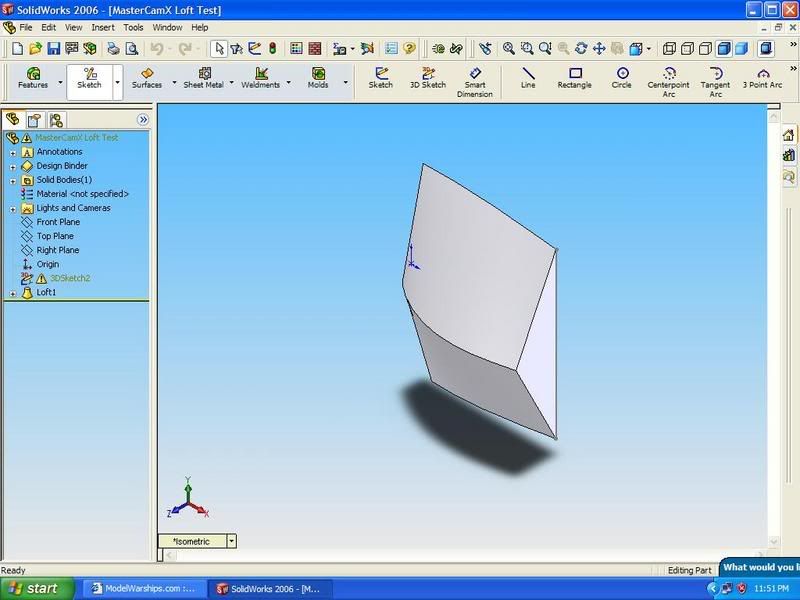
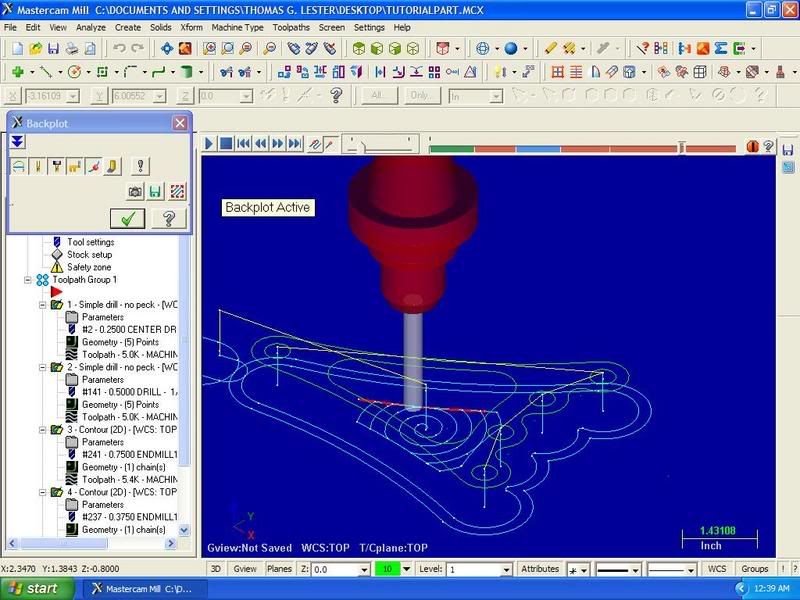
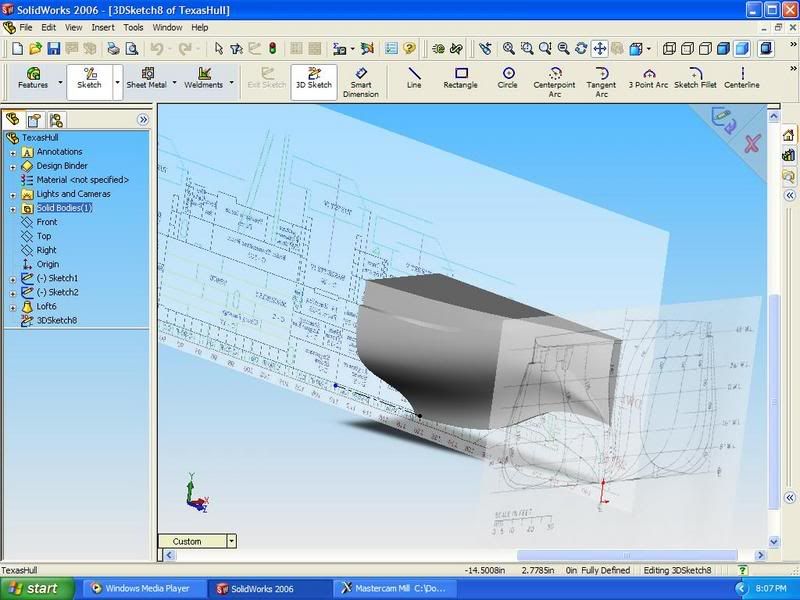
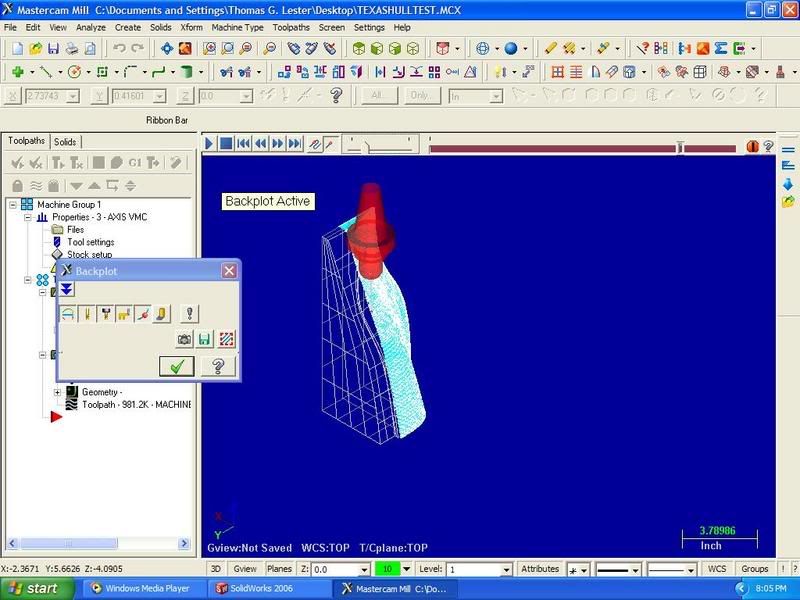
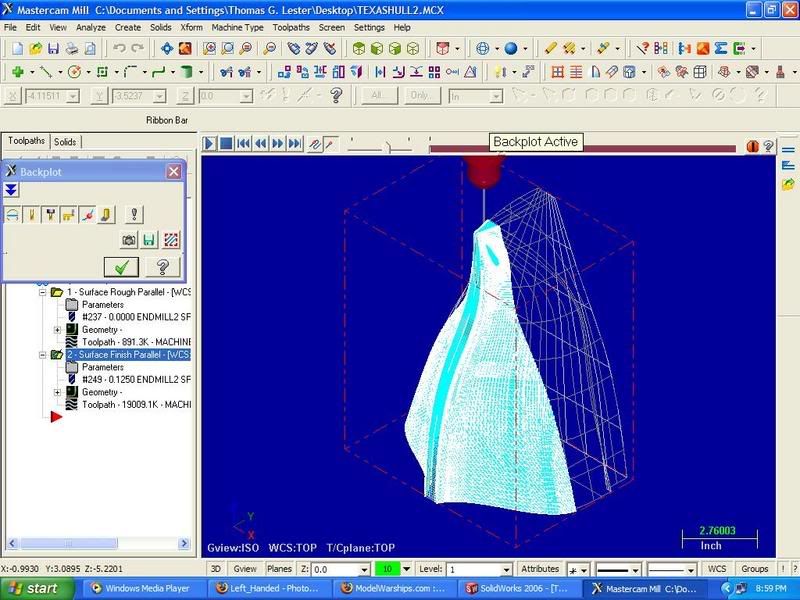
Here is a sample below. I failed to get the tool path I want but atleast G Code was generated for a change
 I had it right then I had to tinker some more...........stupid.
This is a solid created through CAD. although it apears as a wire frame in CAM.
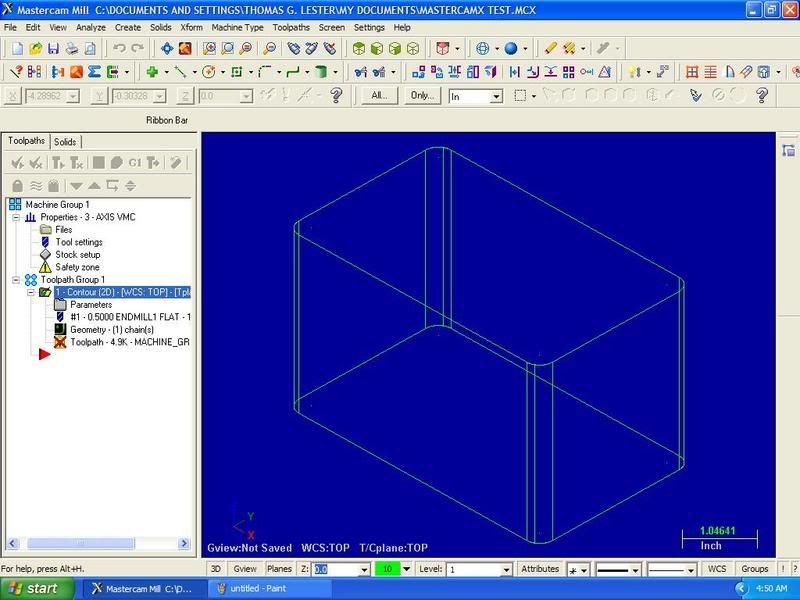
Here is a screen shot of the tool path simulation. As you can see it started the contour path inside the part and not around the perimeter.
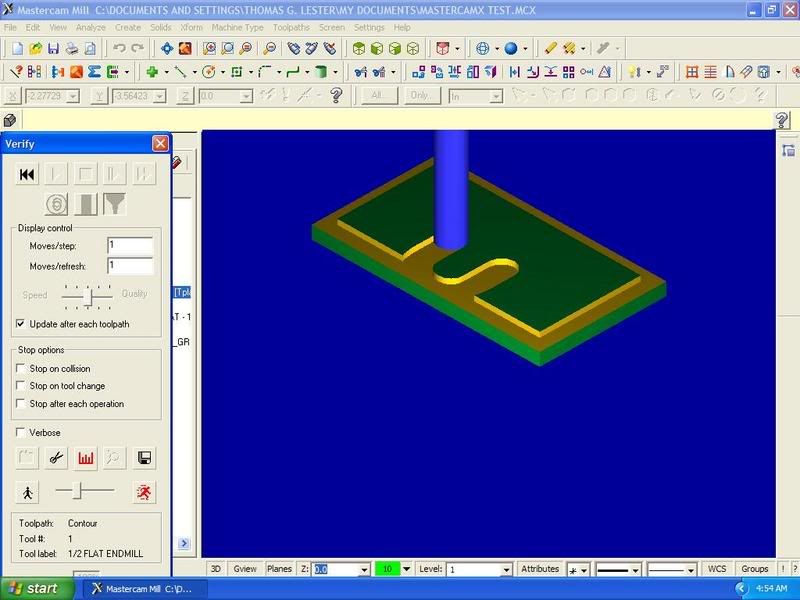
Lastly here is an example tool lenght and offset.
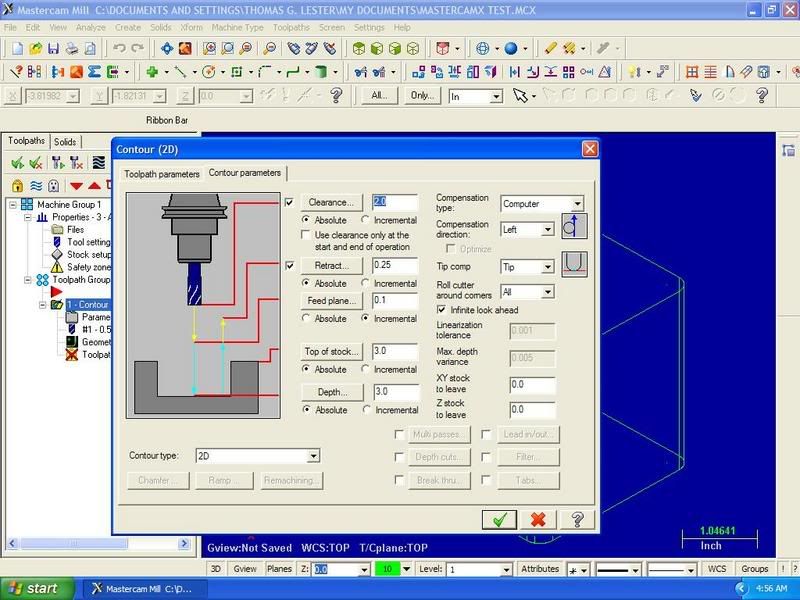
Here is the G Code that the machine tool reads:
%
O0000(TEST CNC PROGRAM)
(DATE=DD-MM-YY - 17-10-06 TIME=HH:MM - 04:47)
(MCX FILE - C:\DOCUMENTS AND SETTINGS\THOMAS G. LESTER\MY DOCUMENTS\MASTERCAMX TEST.MCX)
(NC FILE - C:\DOCUMENTS AND SETTINGS\THOMAS G. LESTER\DESKTOP\ENTERTAINMENT\TEST CNC PROGRAM.TXT)
(MATERIAL - ALUMINUM INCH - 2024)
( T1 | 1/2 FLAT ENDMILL | H1 )
N100 G20
N102 G0 G17 G40 G49 G80 G90
/ N104 G91 G28 Z0.
/ N106 G28 X0. Y0.
/ N108 G92 X10. Y10. Z10.
N110 T1 M6
N112 G0 G90 X.2668 Y-.201 S3056 M3
N114 G43 H1 Z3.1 M8
N116 G1 Z3. F6.42
N118 Y-.701 F48.9
N120 G2 X-.2332 Y-1.201 R.5
N122 G1 X-2.4832
N124 Y1.299
N126 X2.0168
N128 Y-1.201
N130 X-.2332
N132 G2 X-.7332 Y-.701 R.5
N134 G1 Y-.201
N136 Z3.1 F6.42
N138 M5
N140 G91 G0 G28 Z0. M9
N142 G28 X0. Y0.
N144 M30
%
This is just simple 2D milling. I hope to be doing 3D milling soon.
TommyL.